
Time Tracking
HRlab Time Tracking offers flexible recording through reliable software—whether in the office, working from home, or directly on-site at construction projects or in the trades. Our HR software with integrated time tracking adapts flexibly to your workflows, ensuring that all hours are recorded centrally and accurately.

Cloud-based
Thanks to cloud technology (SaaS), HRlab is ready to use in no time, intuitive to handle, and adapts flexibly to your HR processes.
Focus on SMEs
HRlab is tailored specifically to small and medium-sized enterprises as well as growing businesses with up to 2,000 employees.
Maximum Data Security
HRlab is hosted exclusively in high-security data centers in Kempten and Berlin – ISO-certified and 100% GDPR-compliant.
Flexible Time Tracking: Any Device, Any Location
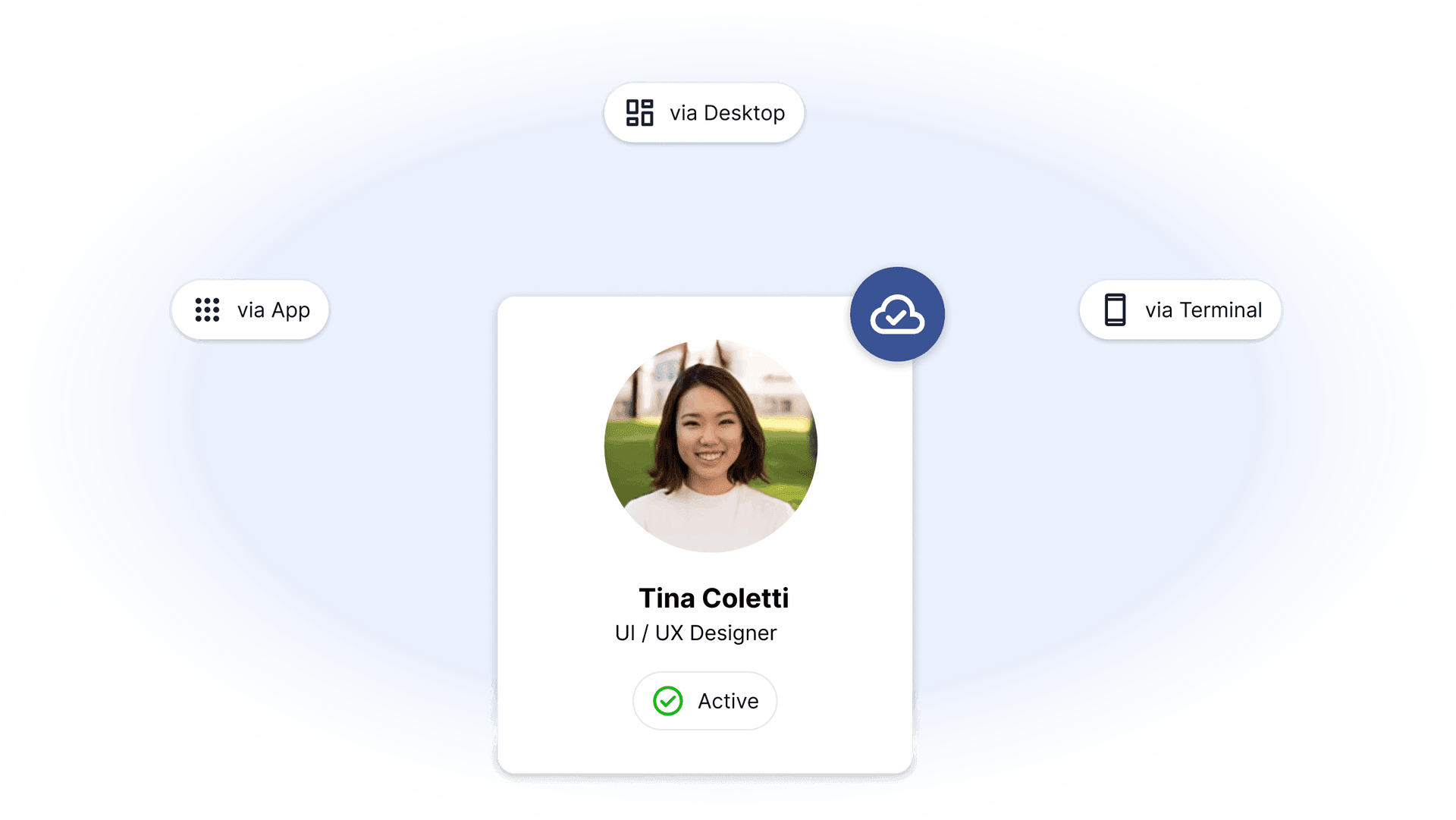
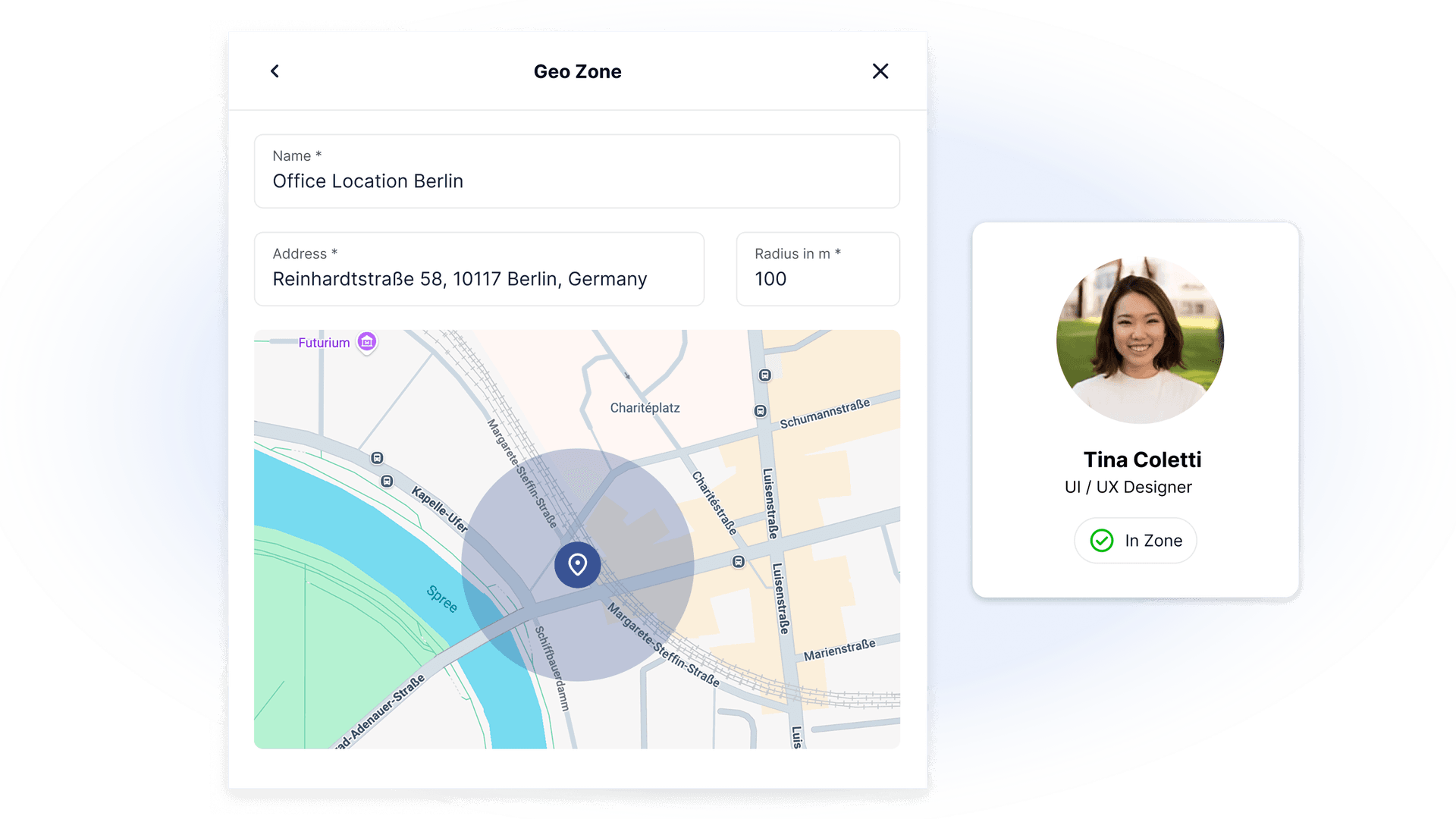
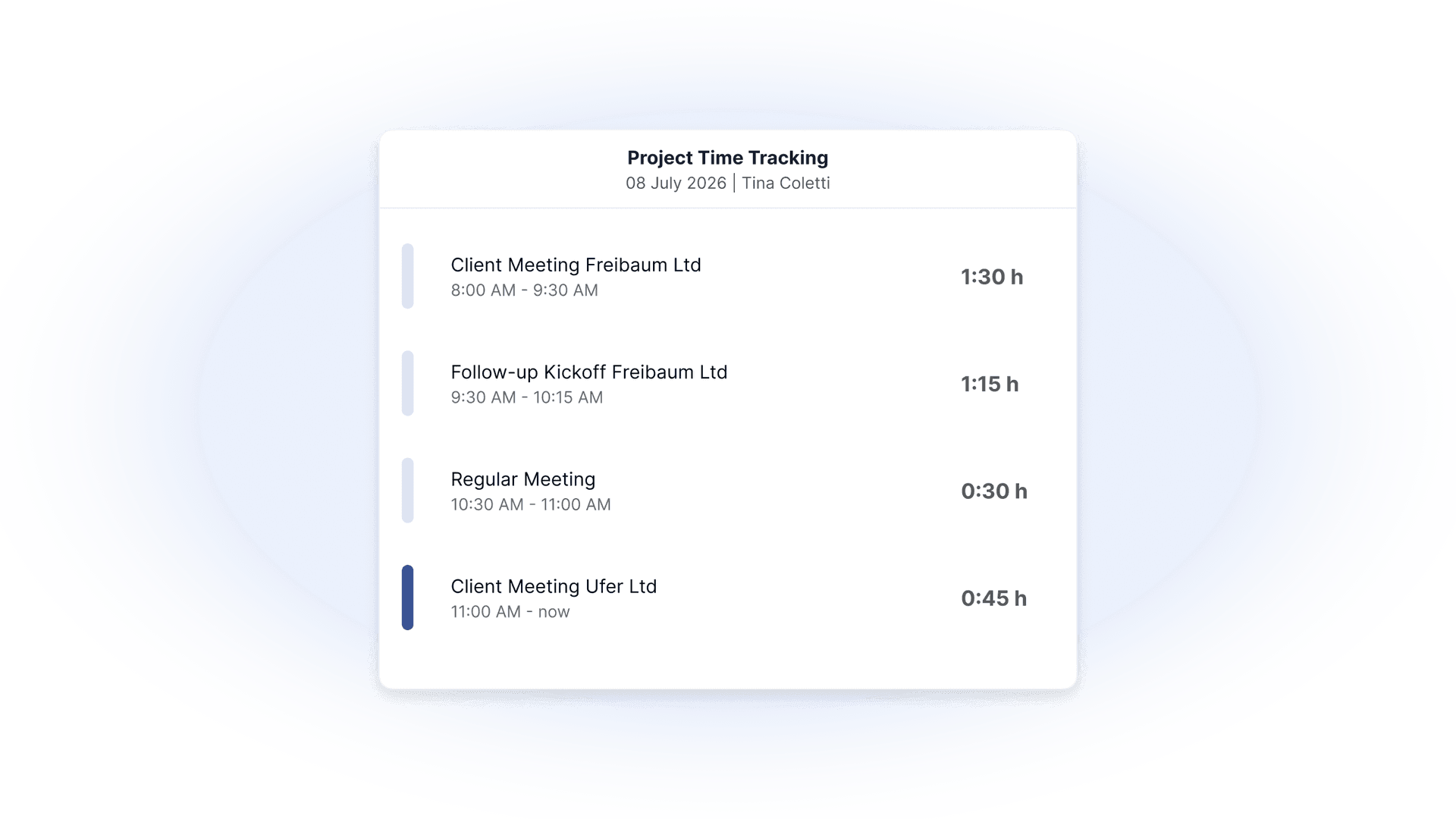
HRlab supports every scenario: employees can conveniently record their hours via the app, on their desktop, or at physical terminals. Project-based tracking is just as simple as standard time logs, ensuring every minute is documented transparently and traceably. Optionally, GPS geofencing can be enabled to restrict time tracking to specific designated zones.
Easy Transfer to Your Payroll Program
The recorded working hours for payroll can be easily transferred to DATEV or other payroll programs via interface. This applies to both: master and transactional data. This saves you time and avoids transmission errors.
Comprehensive Reports
All working hours are reliably consolidated in HRlab, providing the basis for reports and analyses. You can easily retrieve evaluations of time account balances, sick rates, or project hours with just a click.

Success Story: HRlab was ready for use within four weeks.
No other provider could assure us of implementing the HR software so promptly – and actually deliver on that promise. Since the introduction of HRlab, we have benefited daily from:
- Intuitive time tracking
- Reliable data at a glance
- Automated processes
Use Case Example: Personnel Planning with HRlab
Overview of Personnel Planning
Personnel planning in HRlab allows for the configuration of fixed or rotating shifts that can be assigned to employees (for example, one week of morning shifts, one week of evening shifts, one week of morning shifts without Mondays but including Saturdays). To facilitate monitoring, target number of employees can be defined for various times of the day and each day of the week.
Configuring Shifts and Shift Rotations
To create shift patterns, you first define the shifts to be used in the rotation. This includes a label, as well as a start or end time. Additionally, you can set whether the legal break regulation (30 minutes for over 6 hours, 45 minutes for over 9 hours) or a different rule (e.g., a general 1-hour break) applies, which affects the length of the shifts accordingly.
Finally: Setting Up Rotations
In the next step, you create rotations and configure them accordingly. Rotations can be assigned to companies and departments, allowing only employees from these organizational units to be assigned to them. Then, you specify how many employees working in each rotation and easily track overstaffing or understaffing in the calendar overview at any time.
FAQ
Can HRlab comprehensively cover the topic of time management?
Yes. Working hours accounts are comprehensively covered in HRlab. This also includes choosing the appropriate working hours model, flexible assignment of working hours to projects, and automated break corrections and bonuses.
Is there a solution in HRlab for personnel deployment and shift planning?
In HRlab, fixed or rotating shift patterns (rotations) can be flexibly configured and assigned to employees. The resulting shifts are created daily for the employees for 60 days in advance and are displayed as planned working hours in the HRlab calendar. There, shifts can also be manually changed or freely created.
Do employees need a special device to record times?
No. Depending on internal company structures, working hours can be easily recorded directly via the app on a mobile phone, desktop, or even via a terminal.
Is time tracking already mandatory?
Following the decision of the Federal Labor Court in September 2022, companies are required to document their employees' working hours. The specific draft law is still under discussion, but it is advisable to implement a solution already.
What changes for employees in 2024 with regard to time tracking?
For the year 2024: Employers are required to introduce time tracking so that employees can document their working hours.